Data Analysis H4Sci
Tools #
- Quarto — publishing system for creating documents, presentations, and interactive reports
- Ollama — running LLMs locally
- Continue.dev — coding assistant that integrates into your development workflow (VS Code addon)
- Positron — Posit (formerly RStudio); VS Code extension
- excalidraw.com — web-based, collaborative whiteboarding tool for sketching diagrams and flowcharts
- D3 — JavaScript library for manipulating documents based on data; ECharts — high-performance, easy-to-use JavaScript charting library from Apache, used for data visualization
- Appwrite — open-source backend-as-a-service (BaaS) platform for user authentication, databases, storage, and more
Infrastructure #
- On Premise, SaaS, Cloud
Automation #
- Process Automation: Cronjobs (Linux-based scheduling system to automate tasks at specified intervals), Apache Airflow (workflow automation tool used for orchestrating complex data pipelines)
- Release Automation: GitLab CI, GitHub Actions, Drone
- Infrastructure Automation: Terraform (managing different services), Ansible (install stuff on multiple machines), Helm
Resources #
- Graph Gallery Python
- Big Book of R
GitHub #
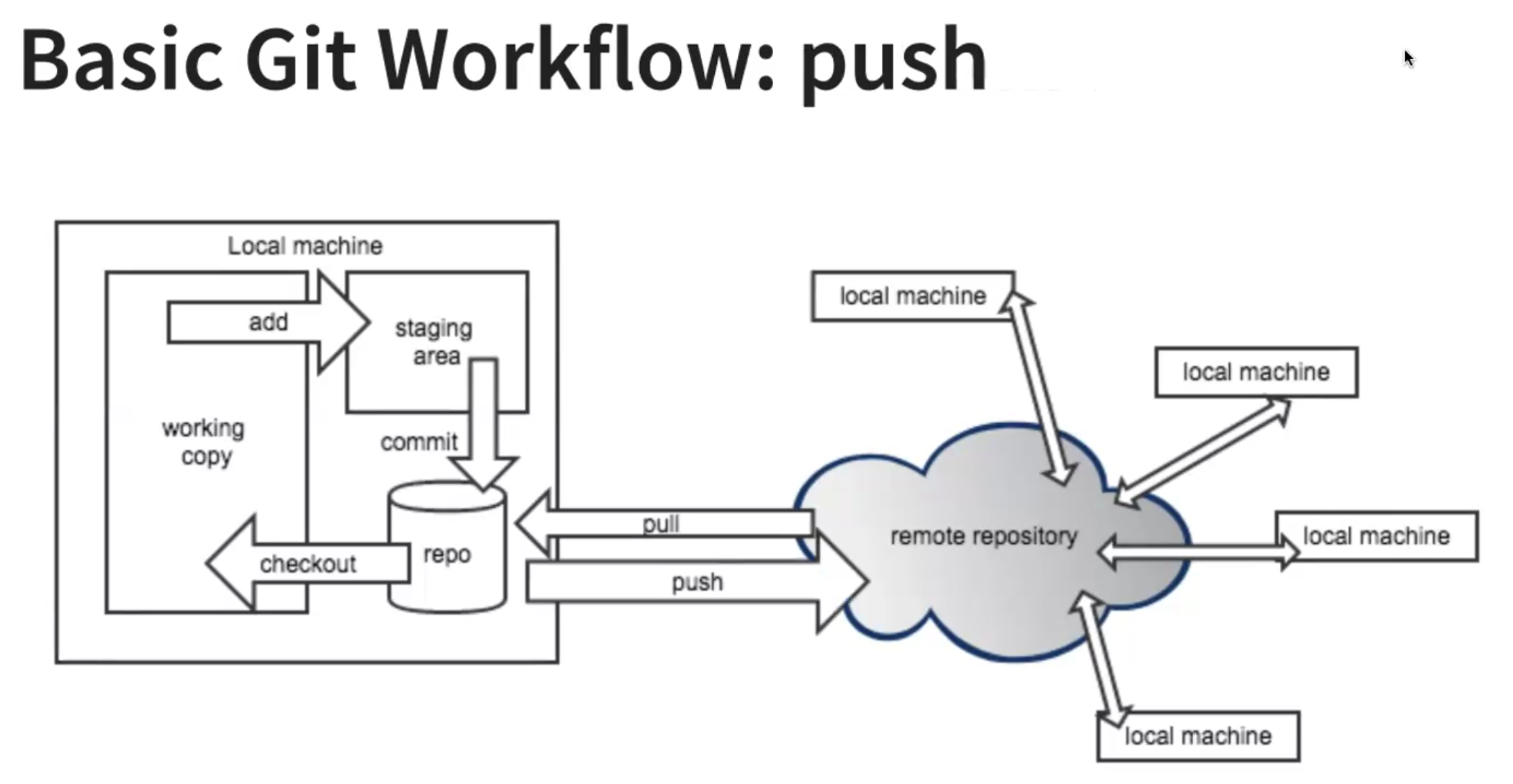
See another person's branch #
git checkout maingit fetch(see other branches)git checkout(the branch you want)git pull
Push your changes #
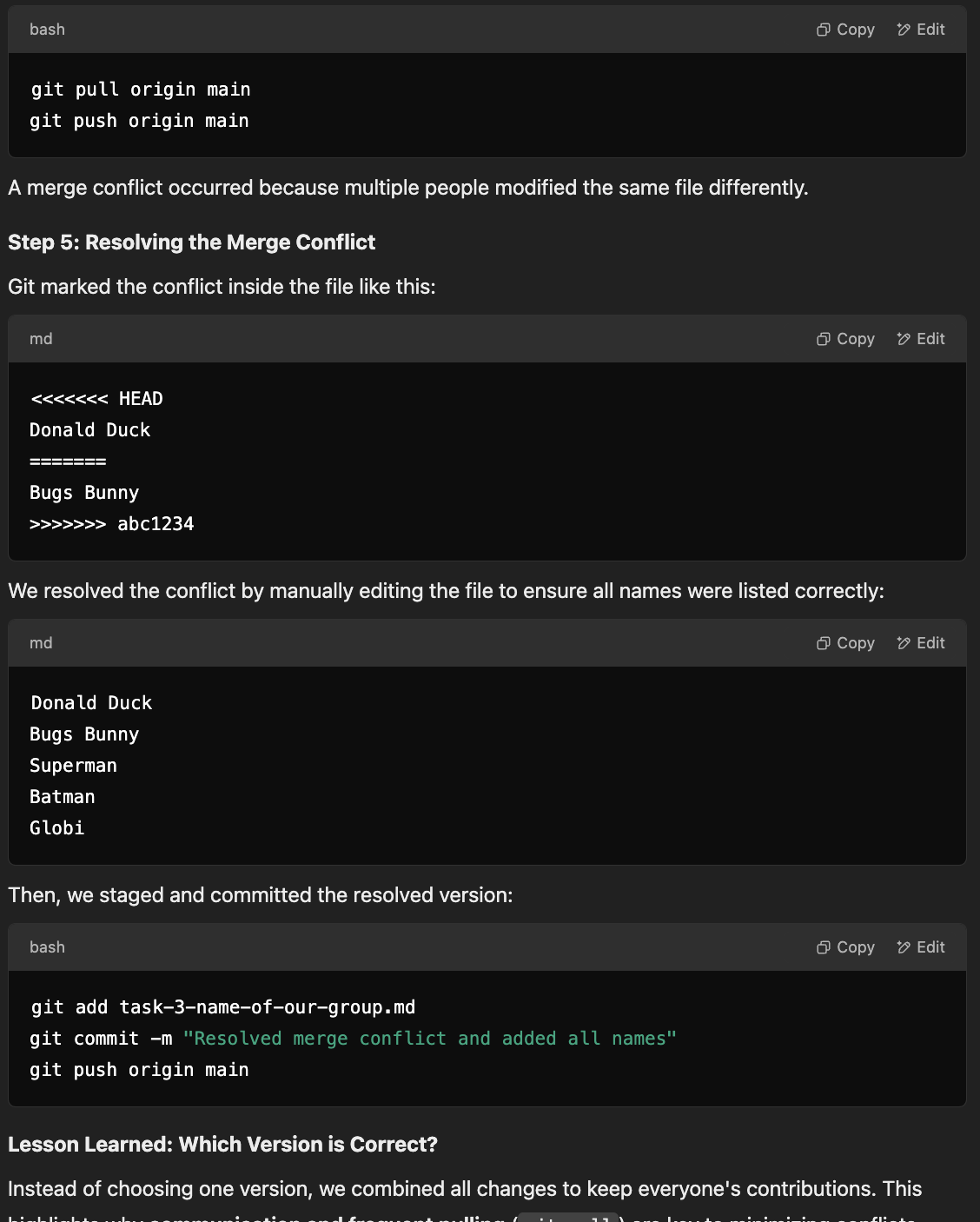
git add(your files)git commit -m "message"git push- pull request
- merge
Find Error #
git bisect startgit bisect bad(where is error)git bisect good(commit hash)- can then run code of each commit go through it → when its bad
git bisect bad git bisect reset(to exit)
Git CI/CD #
GitHub Action #
Have a main.yml in .github/workflows
Web Scraping #
- beautiful soup
- rvest
Data Storage Types #
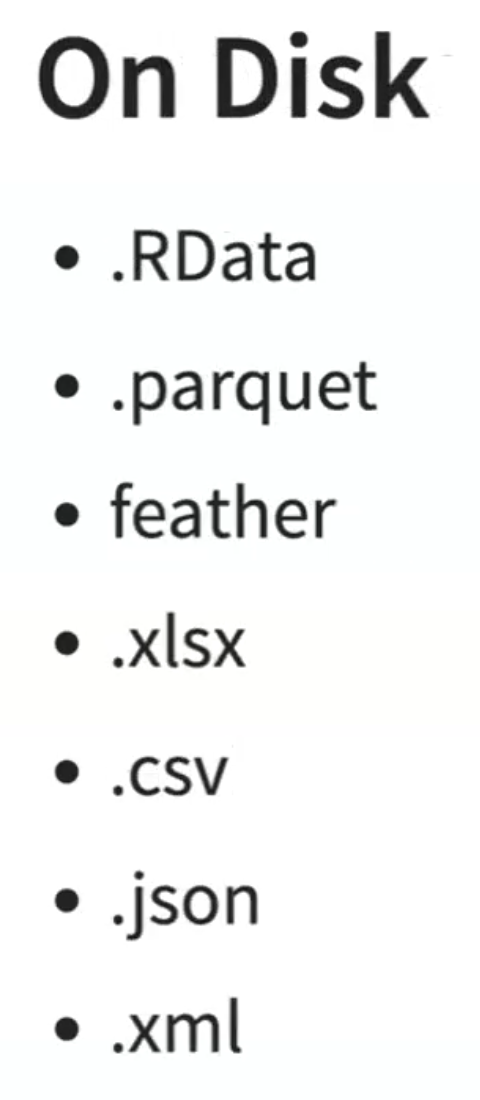
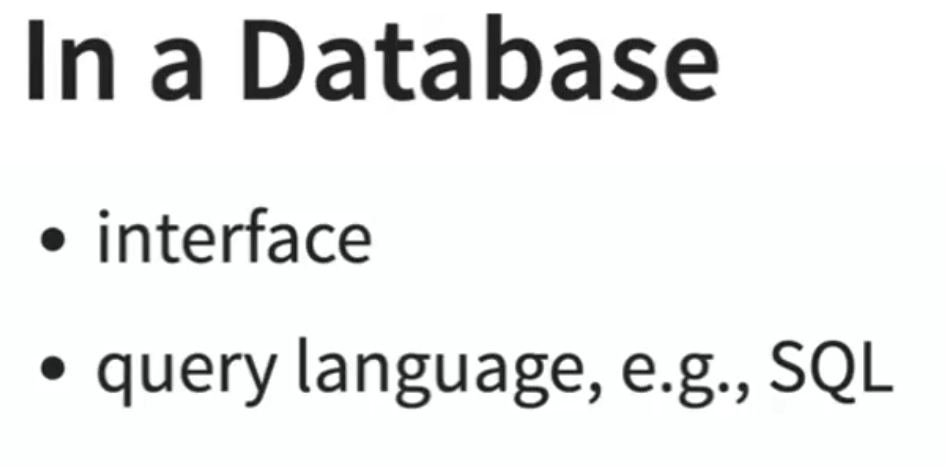
Spatial data #
- geojson
Server #
Server is a program that listens to a certain port
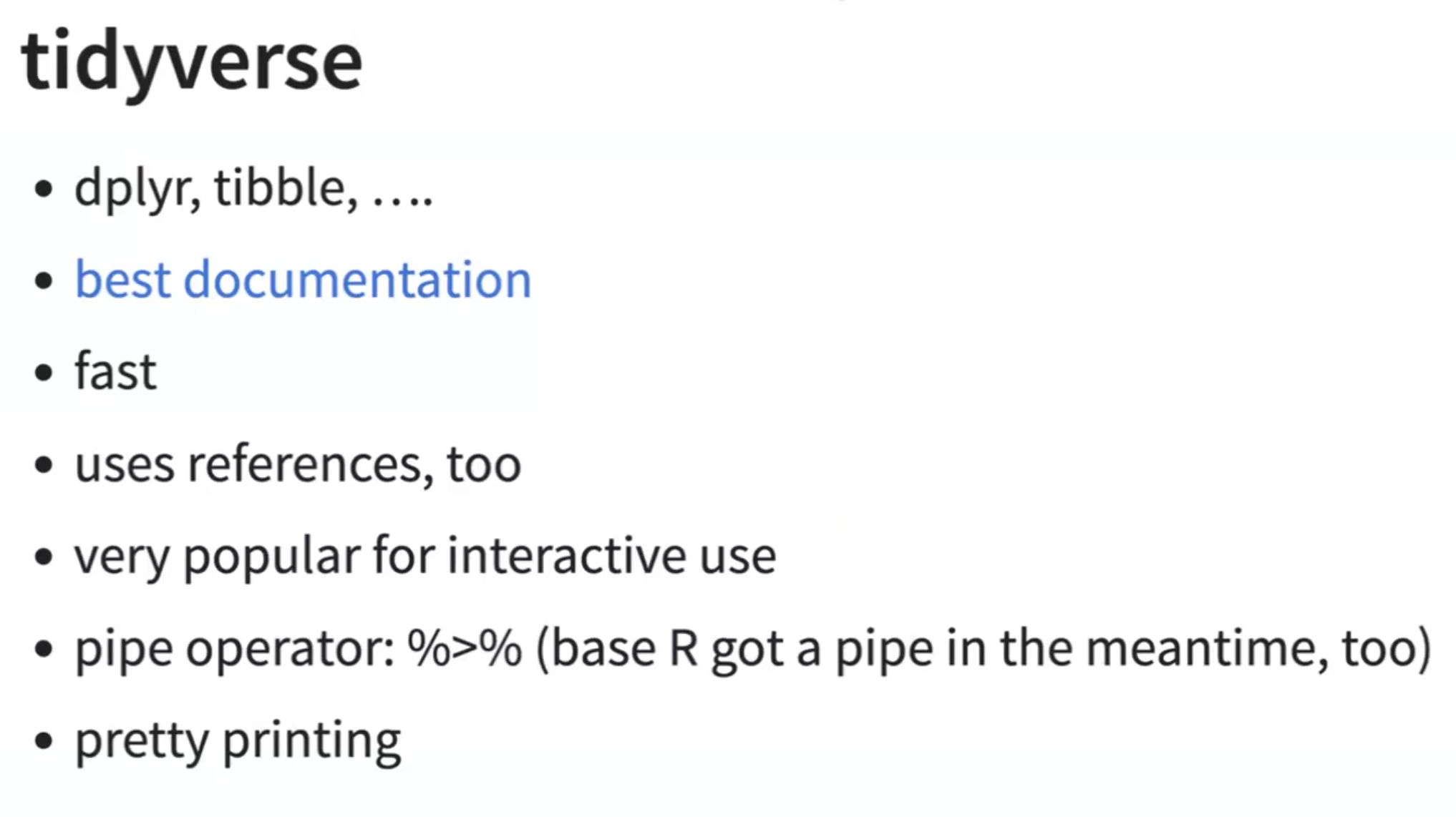
R #
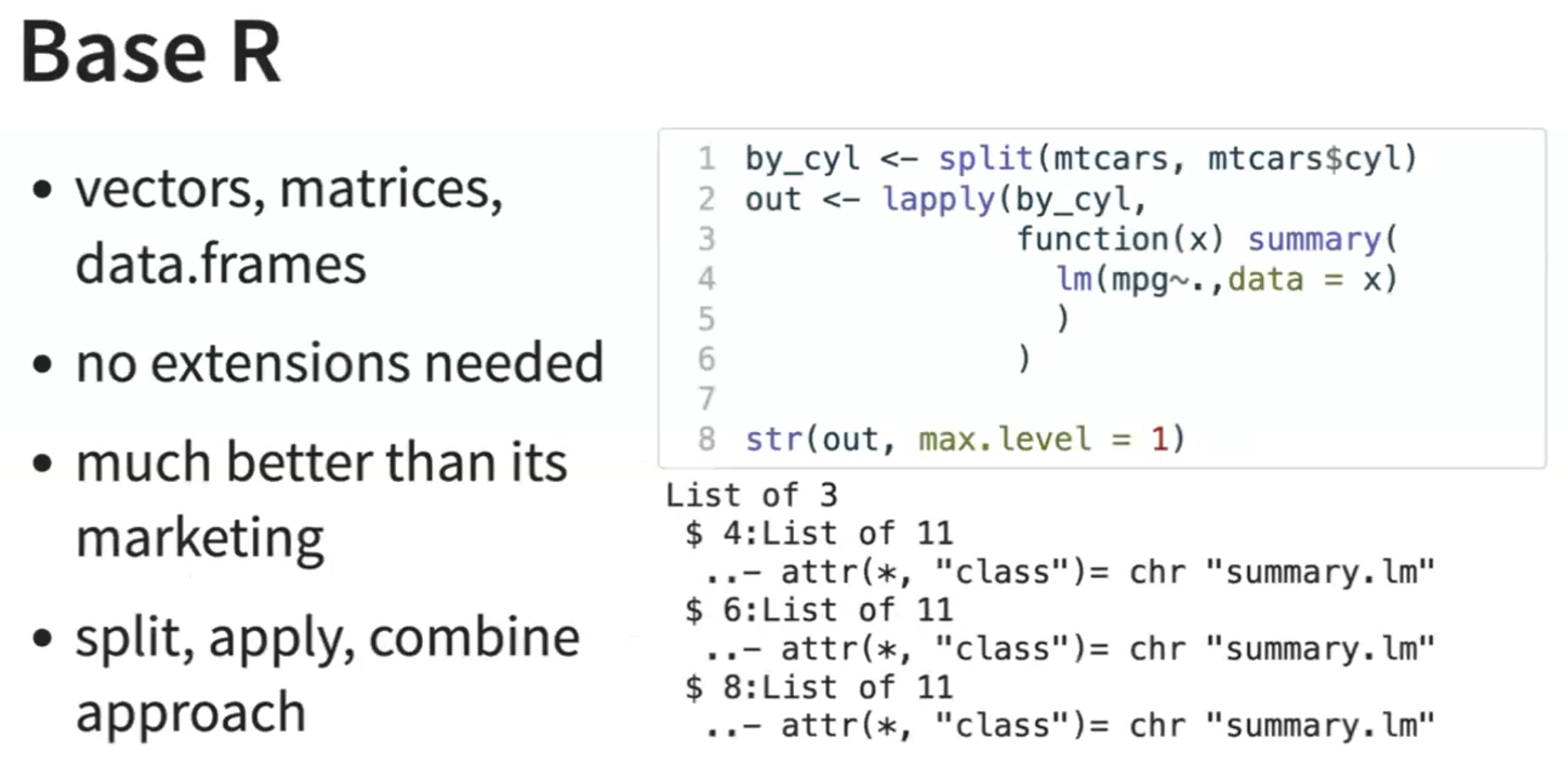
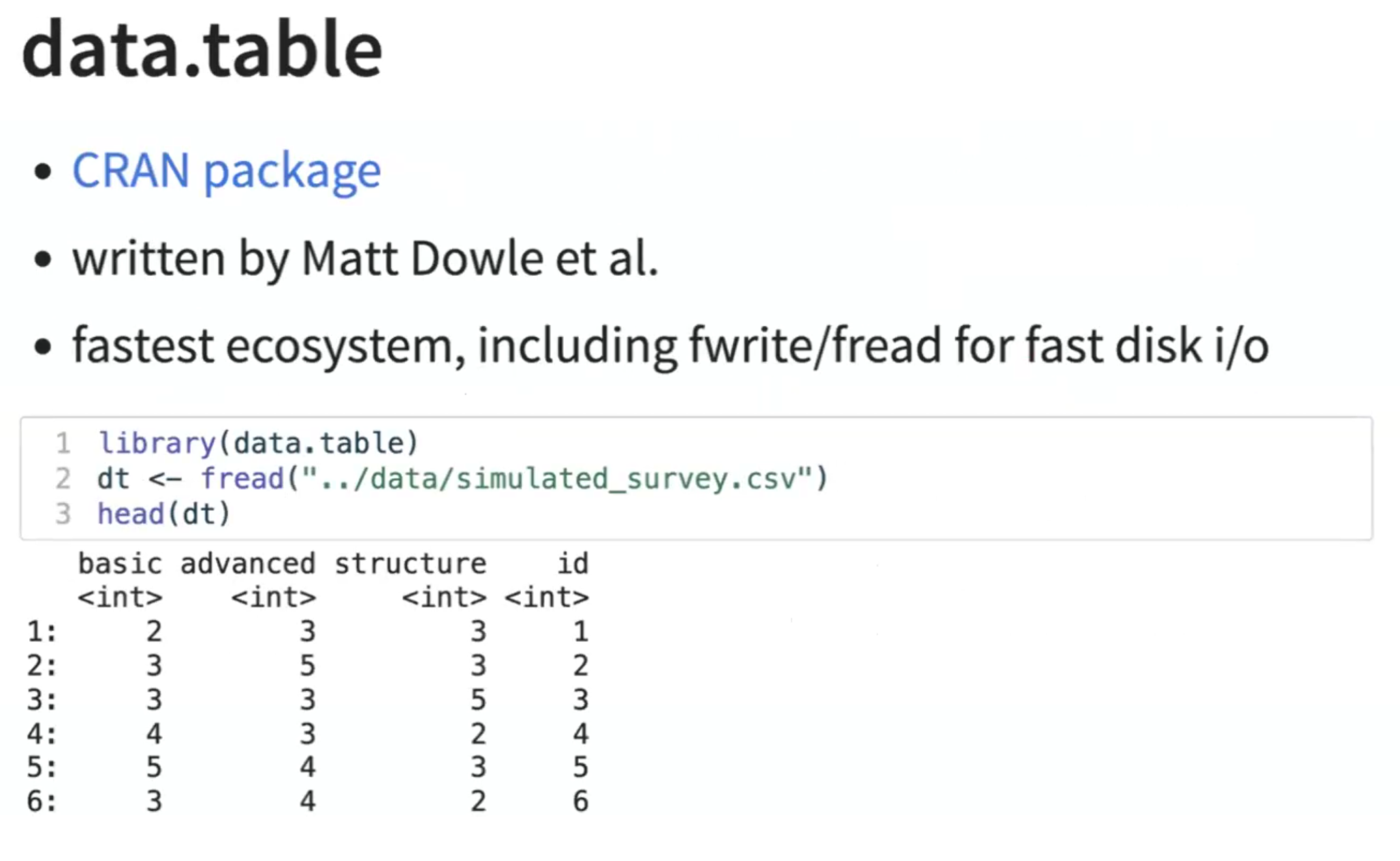
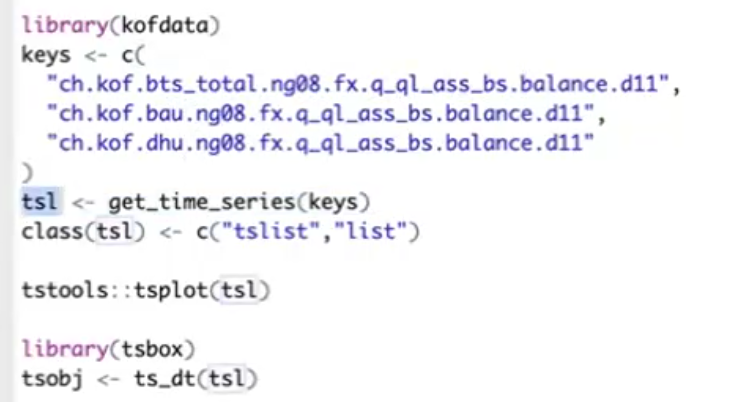
source("file with functions")library("")
Exercise 1 #
git init
git add notes.txt
git commit -m "Initial commit with notes.txt"
git add notes.txt
git commit -m "Updated notes.txt with additional content"
git checkout <commit-hash>
git checkout main
Block 1 Exe 3 #